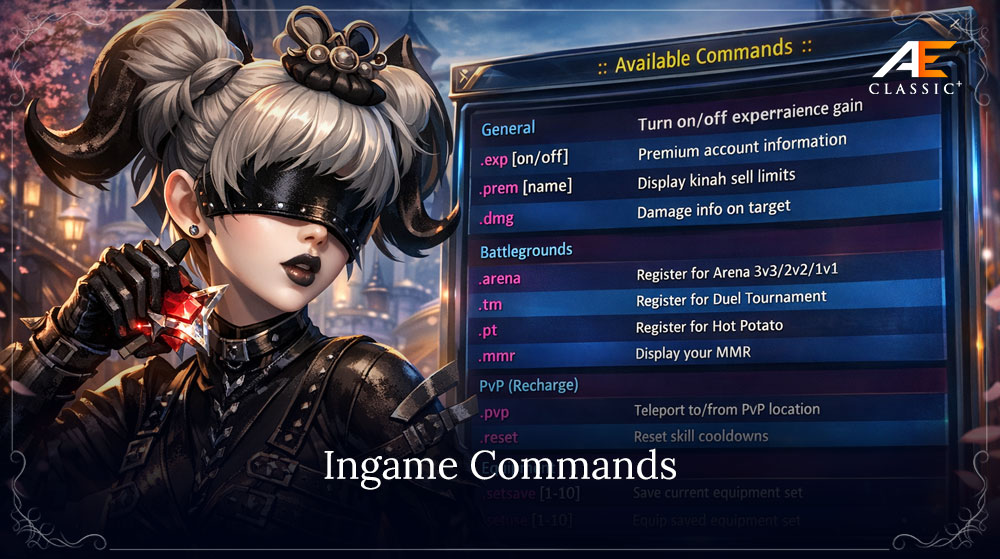
Players with an active Siel's Aura have access to special in-game commands that make gameplay more convenient and provide additional features.
These commands allow you to check your NPC sales limit, disable EXP gain, check Siel's Aura status, quickly switch between equipment sets, travel to a PvP arena, preview item appearances, and use other helpful features.
◆ How to View the Command List
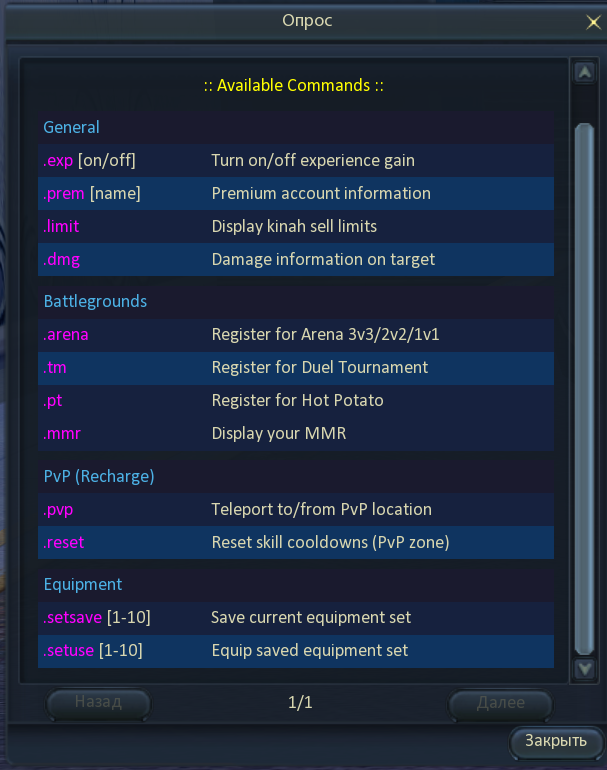
Enter .help in the in-game chat. A special survey will appear — click it to open the full list of available commands and their descriptions.

◆ General Commands
.limit
Displays your current NPC sales limit.
- HWID — the sales limit for your current computer.
- Character — the sales limit for the current character.
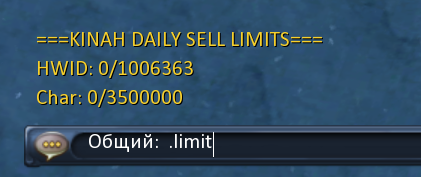
Characters below the current level cap have a lower available sales limit.
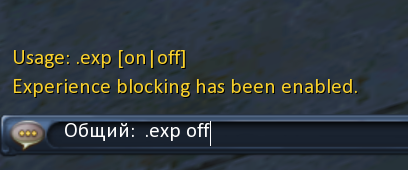
.exp
Disables EXP gain from crafting, gathering, quests, and killing monsters, players, or NPCs.
- Minimum level for disabling EXP gain — 10.
- Maximum level — 44 (this limit will be adjusted as the level cap increases).
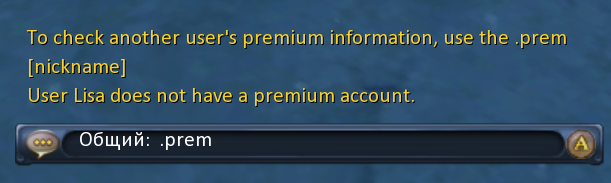
.prem
Allows you to check the Siel's Aura status of your own character or another player.
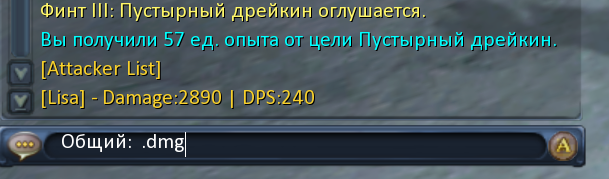
.dmg
A built-in client command that allows you to check the damage dealt to your selected target.
◆ PvP
.pvp
Teleports your character to the Arena of Gods — a large open area designed for PvP, duels, and training between players.

The arena contains neutral areas for spectators as well as PvP zones where your character becomes hostile to all players who are not members of your group.
Using .pvp again will return your character to your race's capital.
.reset
Resets your skill cooldowns and fully restores your character's HP and MP.
Does not affect DP skills and does not restore DP.
◆ Equipment Sets
.setsave 1–10
Saves your character's currently equipped items as a preset. You can save up to 10 separate equipment sets.
.setuse 1–10
Allows you to quickly switch between previously saved equipment sets, including during combat. The command has a 0.5-second cooldown.
◆ Appearance Preview
.preview
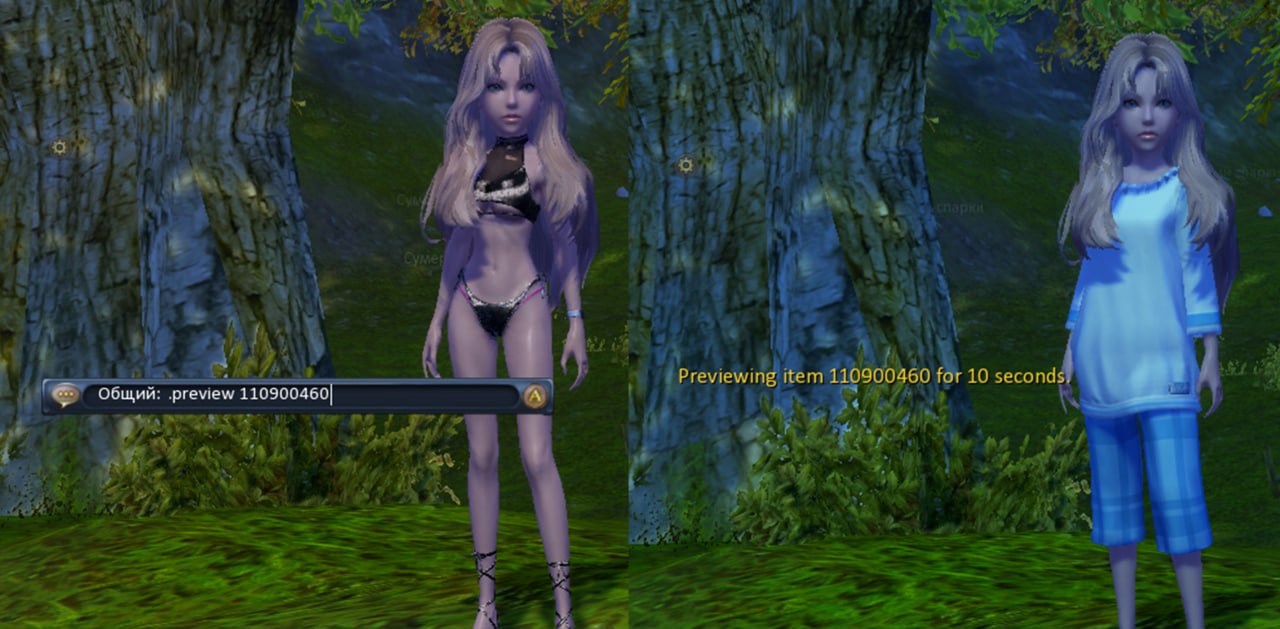
Allows you to temporarily preview the appearance of armor, weapons, and headgear directly on your character.