New unique items have been added to the in-game shop, allowing you to customize your character's appearance by changing the color of their hair and equipment.
In this guide, we will explain where to find these items, how to preview available colors, and how to apply the selected dye.
Where to Buy Dyes
All dyes and the items required to purchase them are available through the special in-game shop located in the capitals of both races.
Asmodians
PandemoniumElyos
Sanctum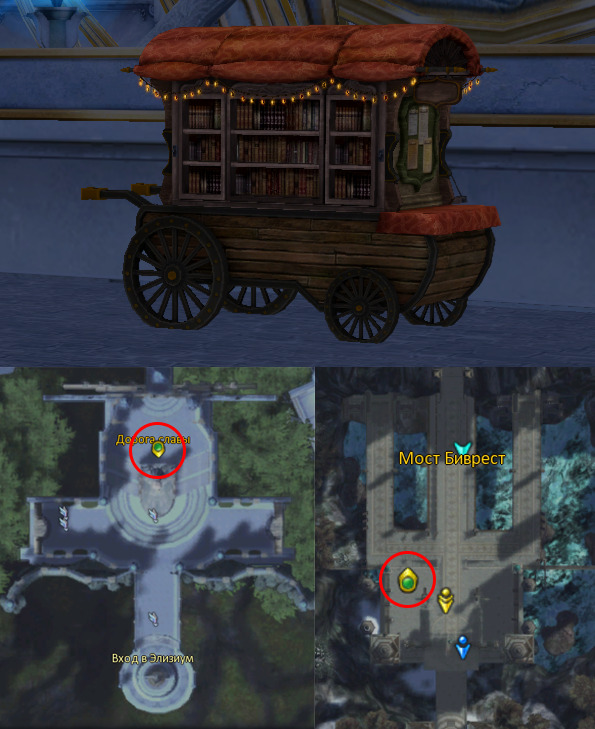
Dyeing Equipment
Equipment dyes are purchased using Magic Dye — a special currency available in the Quna Shop. The amount of Magic Dye required depends on the selected color.
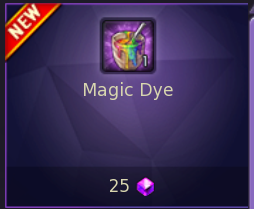
Magic Dye
How to Dye Your Equipment
- Purchase Magic Dye from the Quna Shop.
- Open the in-game shop in your race's capital.
- Select the desired equipment dye and purchase it using Magic Dye.
- After purchase, the dye will automatically appear in your inventory.
- Right-click the dye.
- Then click the piece of equipment you want to dye.
⚠️ Important: some equipment cannot be dyed. Before purchasing a color, make sure to check the item's description and confirm that it supports dyeing.
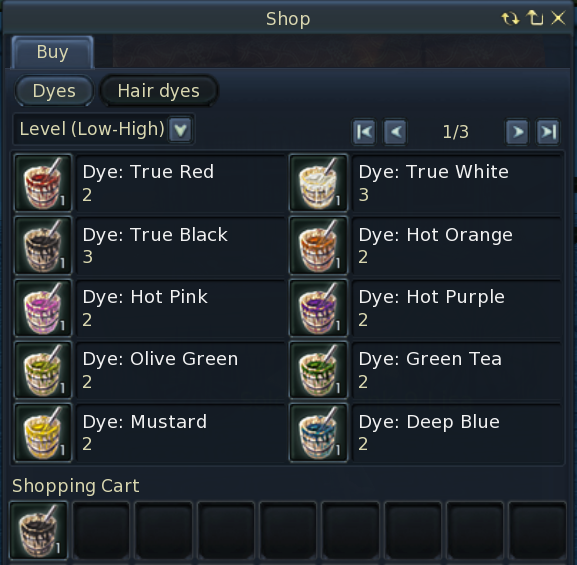
Dyeing Hair
Hair dyes are purchased using an Elite Hair Brush, which can be obtained from the Quna Shop.
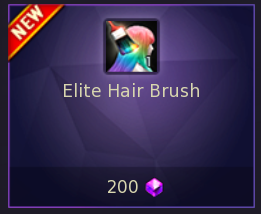
Elite Hair Brush
Preview the Color Before Purchasing
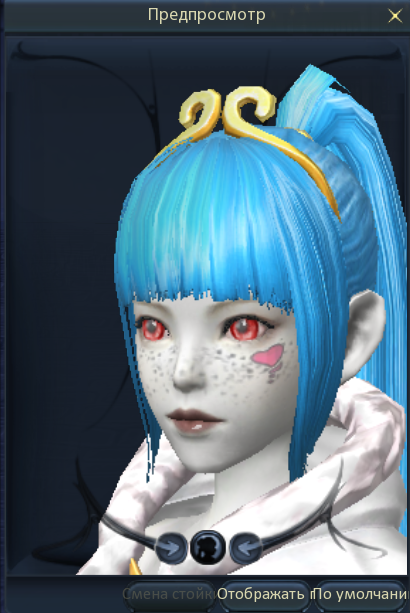
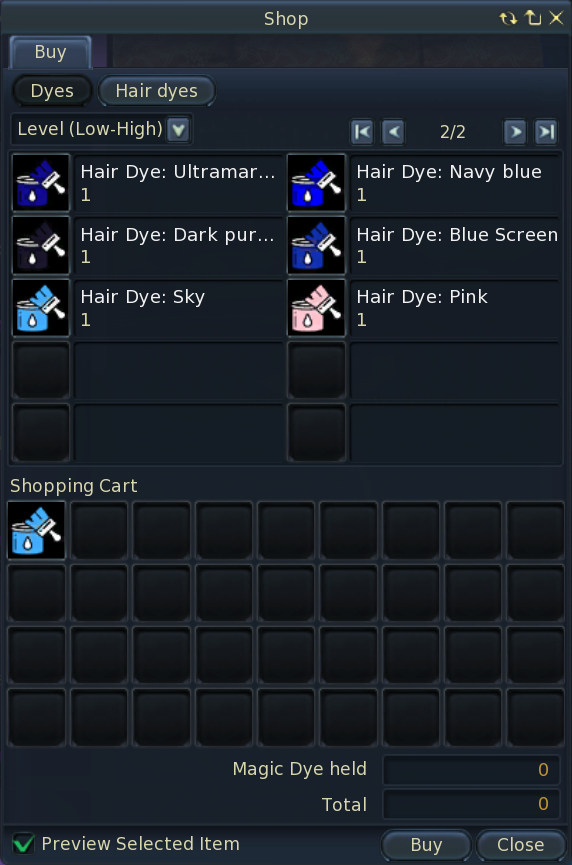
Before purchasing a hair dye, you can preview how the selected color will look on your character.
Hold CTRL and left-click the desired dye.
How to Dye Your Hair
- Purchase Elite Hair Brush (1 pc.) from the Quna Shop.
- Open the in-game shop in your race's capital.
- Select the desired hair dye and purchase it using the Elite Hair Brush.
- After purchase, the dye will automatically appear in your inventory.
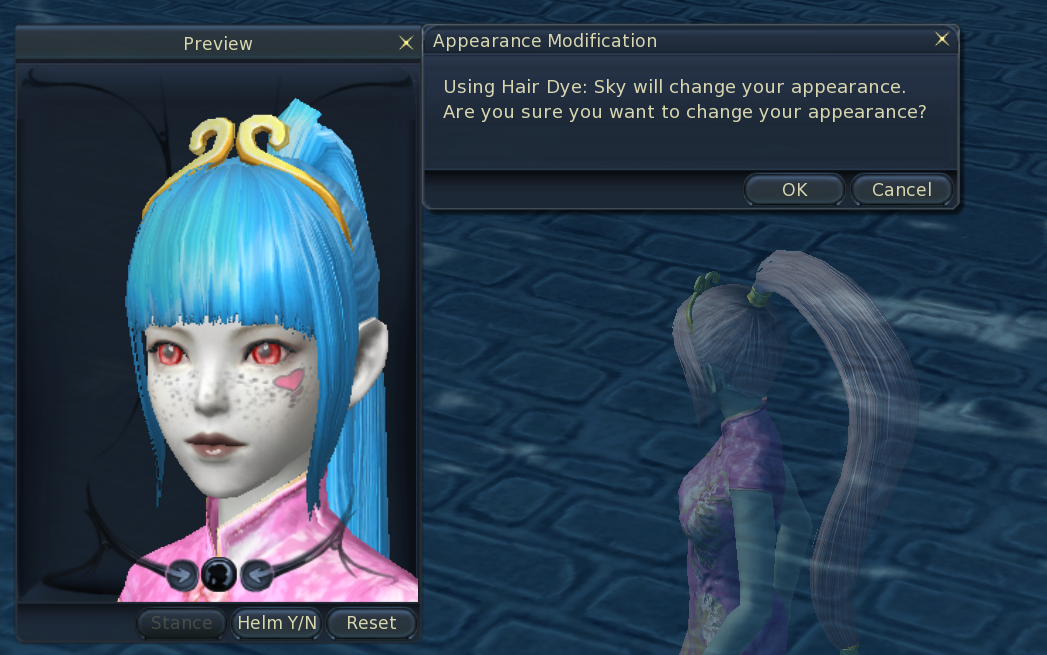
- Right-click the dye.
- A preview window will appear. Confirm the action to apply the new hair color.
Choose your favorite colors and give your character a new look!